
1. Define the essential job
Decide whether the device must improve communication, navigation, productivity, entertainment, health tracking, or home control. Avoid paying for unrelated capabilities.
2. Check the ecosystem
Confirm compatibility with your phone, computer, home network, accounts, and accessories. A cheap device becomes expensive when it requires replacement hardware.
3. Review privacy and update support
Understand what data is collected, where it is stored, and how long security updates are expected. Connected devices should receive active maintenance.
4. Include subscriptions and accessories
Cloud storage, monitoring, apps, cases, adapters, and replacement batteries change the ownership cost.
5. Set it up completely
Enable backups, emergency contacts, device tracking, screen locks, software updates, and recovery methods before relying on the device.
Practical checklist
Before you buy
- Compatibility
- Update lifespan
- Privacy controls
- Total ownership cost
- Return policy and support
Bottom line
Useful technology quietly supports your life. Choose products you can maintain, secure, and integrate without creating a second job.
Useful products
A few practical options
Each Amazon button below is an affiliate link. Clicking it opens matching products on Amazon in a new tab. If you make a qualifying purchase, I may earn a commission at no additional cost to you.
 Illustrative image
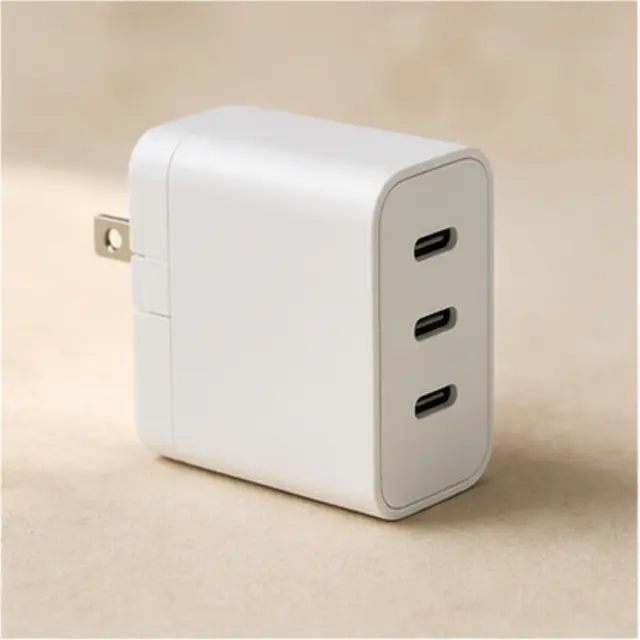
Compact USB-C charger
Consolidates compatible phone, tablet, and accessory charging with fewer blocks.
View affiliate link on Amazon Illustrative image
Bluetooth item tracker
Helps locate keys, luggage, or another frequently misplaced item; check phone compatibility first.
View affiliate link on Amazon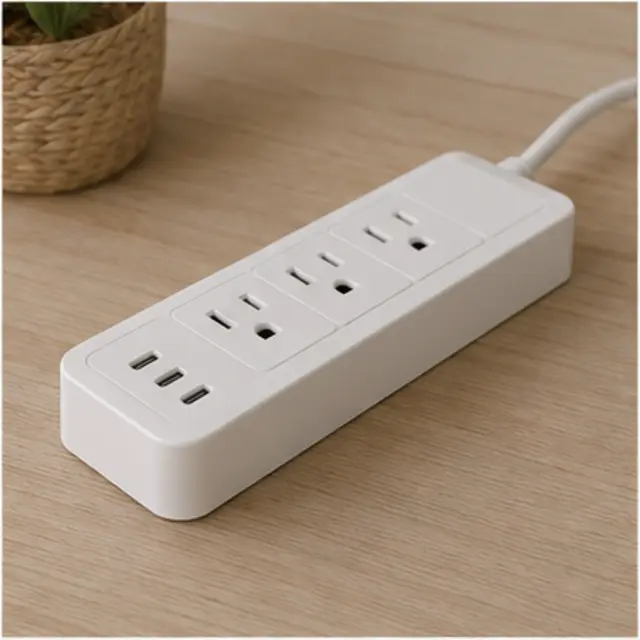 Illustrative image
Surge protector with USB-C
Creates one organized charging point while adding surge protection.
View affiliate link on AmazonAs an Amazon Associate I earn from qualifying purchases. Product visuals are original illustrative images and may not show the exact Amazon listing. Compare current details, compatibility, prices, and return terms before buying.